Google's Bard Better Than ChatGPT?!
978 Words | 4 min 4 Sec Read
 |
Welcome to another issue of Geek AI.
Today we’ll discuss five ways Google’s AI text generator - Bard - is massively outperforming ChatGPT. In particular, as it relates to real life use cases beyond just generating text and writing computer code.
Let’s dive in.
Today’s issue is sponsored by ChatGPT Master Tricks, a FREE generative AI course + toolkit. Inside, you’ll gain access to prompts, lists of tools, guides and most everything you need to master generative AI. Oh, and did we mention it’s free!
Last week ChatGPT had it’s first birthday. An event that, after decades of empty promises, sparked an AI revolution.
 |
Since then, however, the hype has died down.
And while we still believe artificial intelligence will touch most every aspect of our lives, for the average consumer, ChatGPT just isn’t that useful.
Meaning, for AI to go truly mainstream, we need to see mass market use cases. The kind that will help hundreds of millions (if not billions) of people complete everyday tasks more efficiently and more effectively.
 |
For better or worse, this is something Google seems to be working on big time.
And with their existing suite of apps, plus an insane level of knowledge regarding the tasks everyday consumers perform online, they’re in an incredible position to bring AI to the general public.
Below, we’ll outline five ways Google’s Bard is doing just that.
 |
#1 - YouTube Video Analysis 🖥️
With Google’s newest YouTube extension, Bard can now be used to analyze the content of a video. You can do this by copying and pasting the video link into Bard and then asking Bard to summarize the video, ask for key takeaways, etc.
While you probably wouldn’t use AI to sum up a compilation of funny cat videos, using Bard to summarize an educational or news video could be a huge time saver.
#2 - Google Apps Integration 📧
As part of their Workspace extension, Bard can now interact with your gMail, Google Drive and Google Docs apps (and files). From asking Bard to total the sum of your last 10 invoices, to requesting a complication of every doc you’ve ever written that contains a word or phrase, the possibilities here are endless.
 |
Further, Bard has such a deep understanding of Google’s Workspace it allows you to “discuss” your work files. As an example, you could ask Bard to interpret the tone of your boss’ email. You could also ask it to analyze how much progress you’ve made on your book relative to how many words you wrote last month.
#3 - Image Data Extraction 🤖
With Google having more image data than any company on the planet (thanks to Google Images), Bard can be used to extract data from photos. You can do this by uploading an image to Bard and then asking what it’s about. Bard will then extract the data from the image and summarize it for you.
 |
Keep in mind this applies to both objects and text. Meaning, if you screenshot a tweet on Twitter, or a flowchart on Instagram, Bard can still help.
#4 - Object Identification 🔎
Continuing the point above (regarding Google’s vast database of image information), Bard can also be used to identify objects in images. Just upload your photo, ask what the particular object is (by referencing its shape or size or color), and get a response.
 |
While this might not seem very useful, ID’ing objects can come in handy for everything from recipes to appliance parts and more.
#5 - Travel Planning 🧳
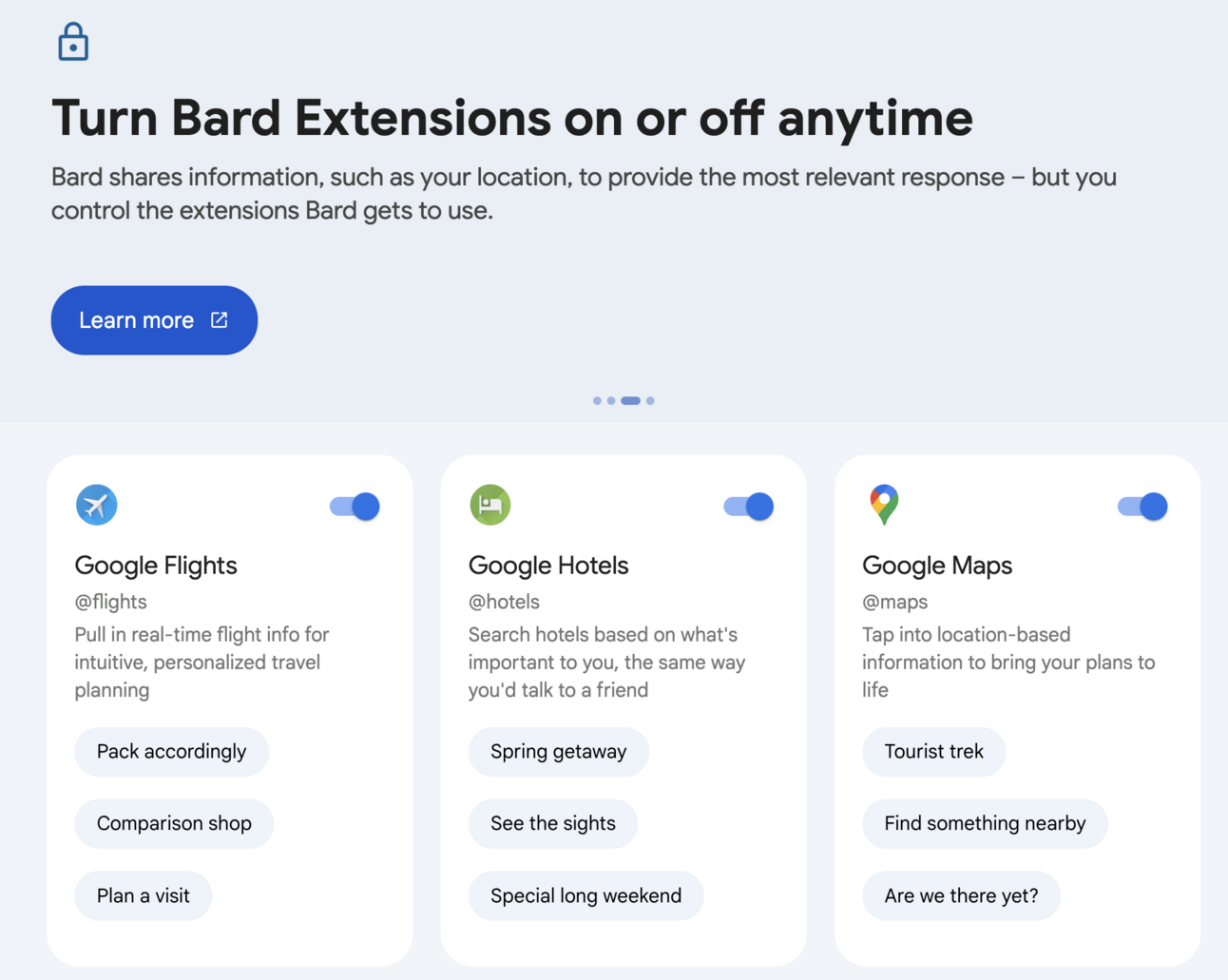
Between their Hotels and Flights apps, Google has one of the largest and most up-to-date travel availability databases in the world. And with Bard, you tap into both to create a travel itinerary - within your budget - with just one prompt.
 |
To do this, just type in your desired destination(s), where you’ll be flying out of and returning to, and your budget and watch as Bard serves up a variety of options.
From there, with your flight and hotels booked, you can tap Bard once more to create a list of sights worth seeing, restaurants worth visiting, etc.
💡Wrap Up: From planning trips to summarizing YouTube videos, Google’s new extensions open up a variety of new use cases for Bard. In particular, mass market use cases that go well beyond ChatGPT’s niche market appeal.
🤔Thought-Provoking Question: Would you trust a travel itinerary that was created by an AI program?
Interesting Tool ⚙️: Feel like doing a little interior decorating? About to go on a full blown remodeling sprint? If so, make sure to check out Roast My Room. This innovative AI lets you upload a picture of your room, allowing you to get feedback on what needs to be changed. Even better, it will remodel / redecorate the room for you using AI image generation!
Product of the Day: ChatGPT Master Tricks
 |
Afraid of Losing Your Job to AI?
News Flash: You’re more likely to be replaced by an AI expert than a robot.
Robots are years - if not decades - away from replacing us. But someone who understands AI, and can do your job more efficiently and effectively than you can…
They could steal your job tomorrow.
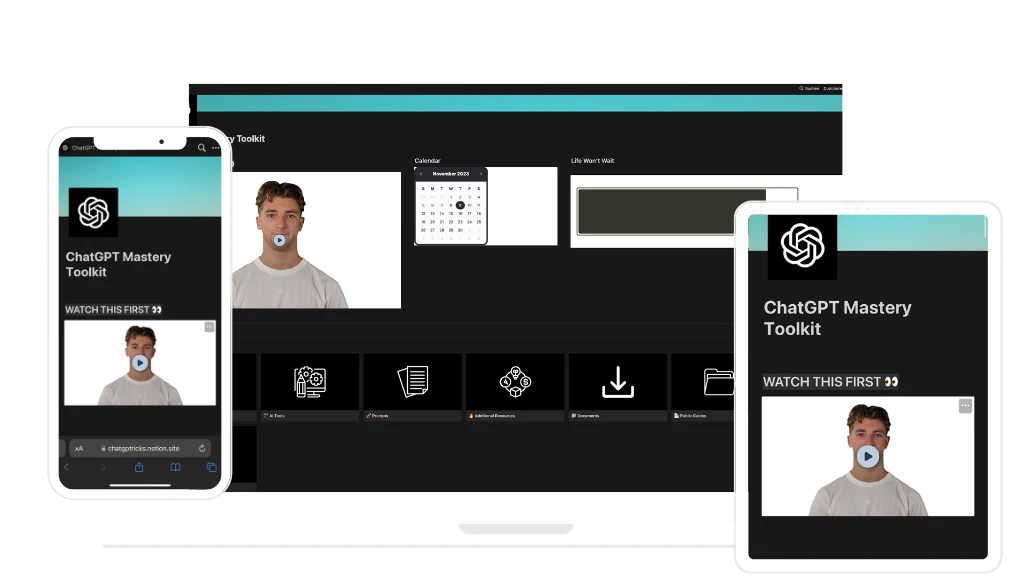
Which is why ChatGPT Master Tricks is so important. See, it’s not just a “course.” Instead, it’s constantly updated and interactive dashboard.
Inside you’ll find everything you need to skyrocket your productivity - and increase your workplace performance - handed to you on a silver platter.
Here’s what you get when you sign up for free:
- Lifetime access
- 30+ Chapters
- 200+ Resources
- 5+ Hours of Video Content
- List of 1,000+ AI Tools + Prompts
The Geek AI
Join 40,000+ daily readers and get our 3 min newsletter on what matters in AI.